
Main Web Page
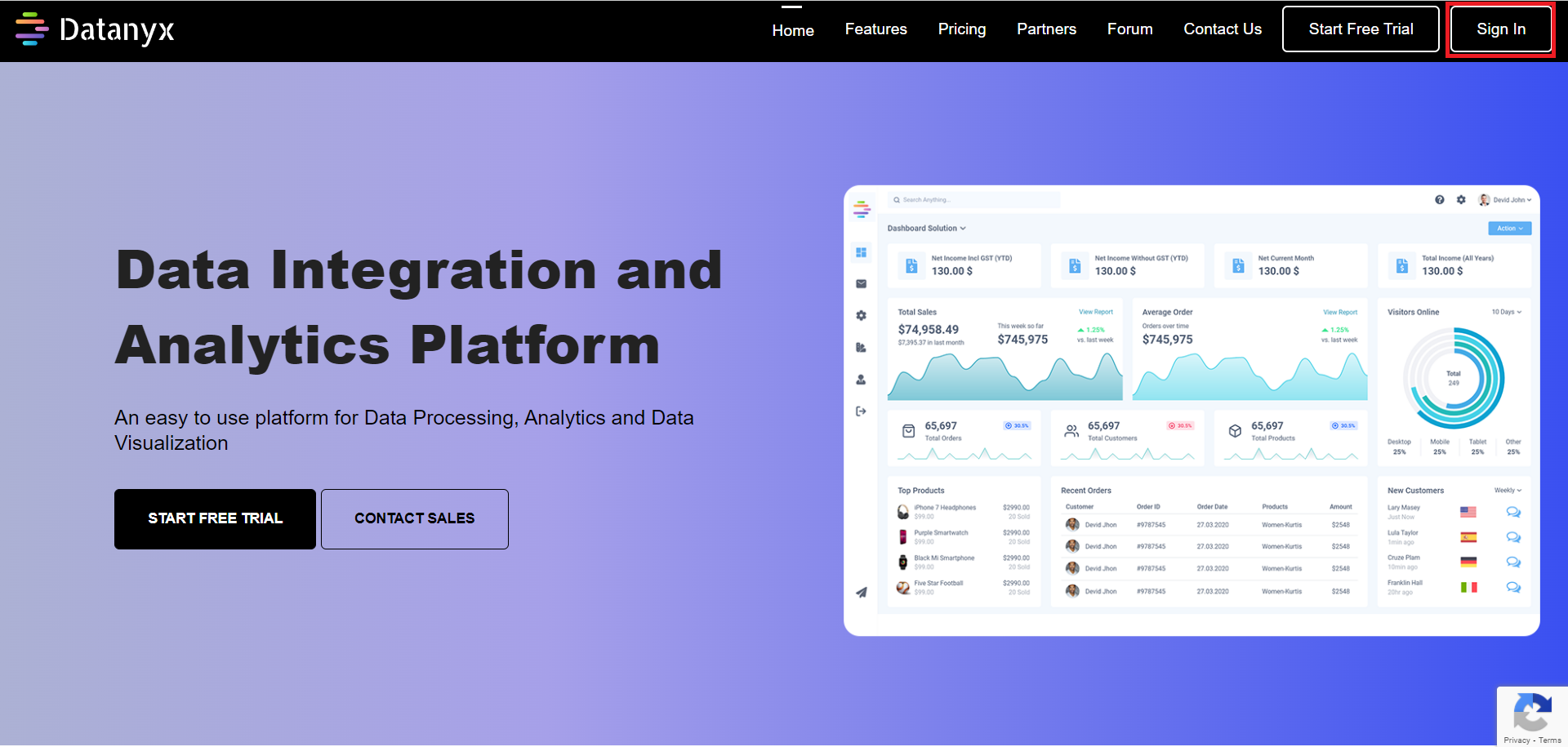
The Web page is the main page of the site. Click on this link https://datanyx.com to get started with account creation. You will be directed automatically to the Home Page. (Refer to the image below).


Getting Started
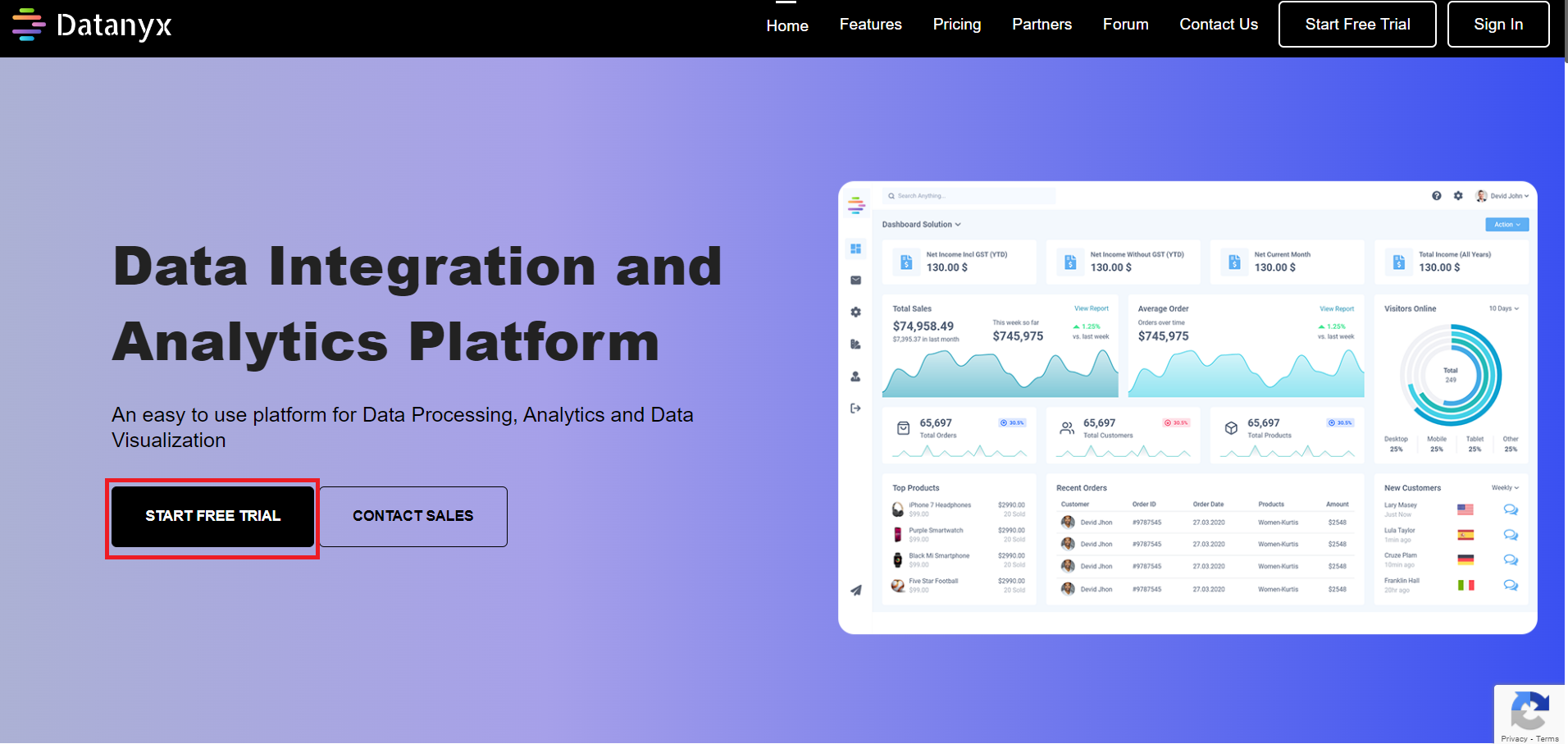
Step 1: Click on the “START FREE TRIAL” button on the Home Page to create your account. (Refer to the image below).
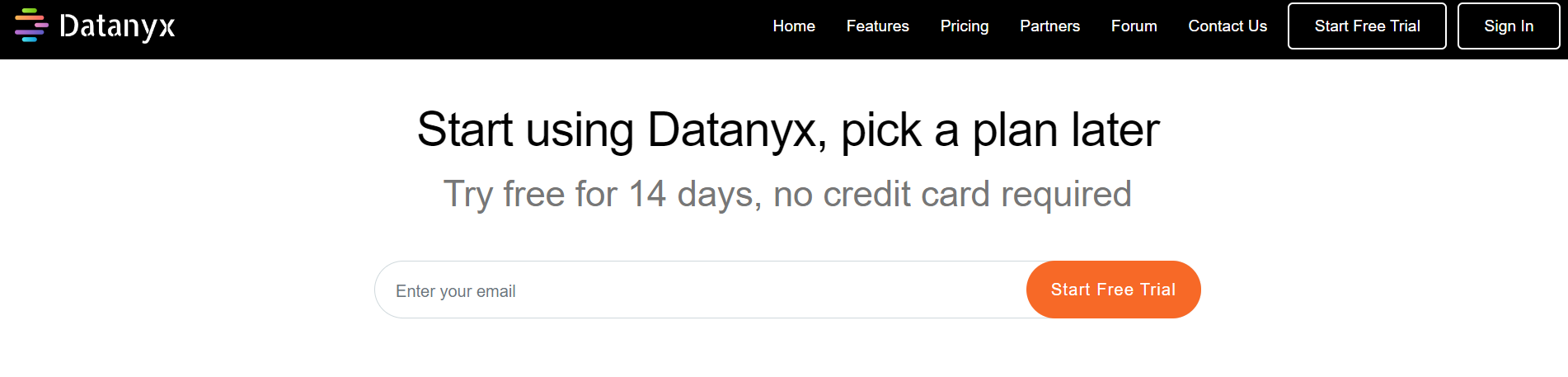
Step 2: Fill in the EMAIL ID to create an account. (Refer to the image below).
Activate Your Account
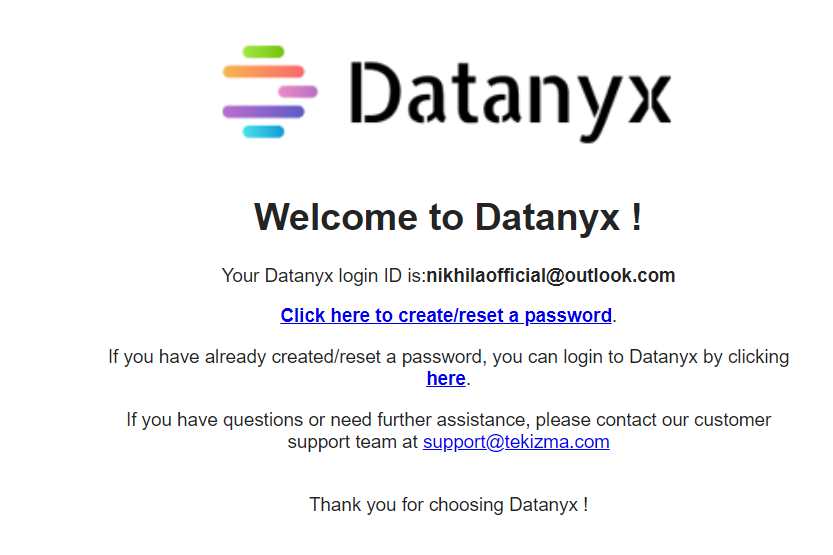
- Once your account has been created, you will be receiving a mail with login id and a link for resetting the password.
- You need to set the password for the first log in.
- Click on the link, ‘Click here to create/reset a password’ in the mail. (Refer to the image below).
Create/ Reset – Password
Step 1: Click on the “Click here to create/ reset a password” link that has been sent to your registered E-Mail.
Step 2: You will be redirected to the password set/reset page. (Refer to the image below).
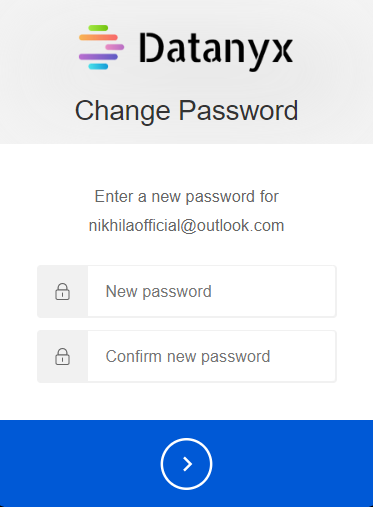
Step 3: Enter a New Password and Confirm Password.
Step 4: The password should meet the expected criteria as mentioned below. (Refer to the image below).
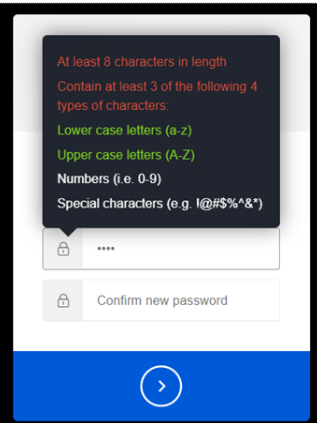
Note:
- The minimum password length is 8 characters
- The password must contain 3 of the following 4 types of characters:
- Lower case letters (a-z)
- Upper case letters (A-Z)
- Numbers (0-9)
- One special character from the following (Refer to the image below).

Step 5: Click on the continue arrow, then your password is updated/changed successfully. (Refer to the image below).
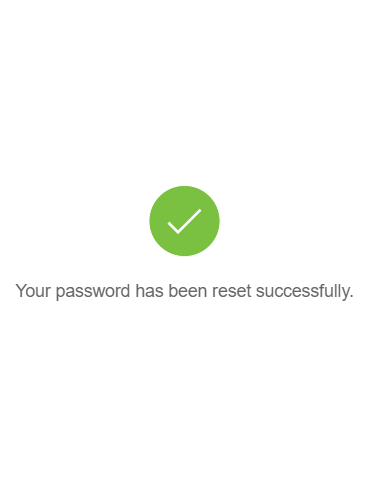
Step 6: Now, you will be redirected to the login page https://app.datanyx.com.
Signing Into Your Account
Step 1: Click on this link https://datanyx.com to go to the Home Page.
Step 2: Click on “Sign In” icon to login to your account. (Refer to the image below).
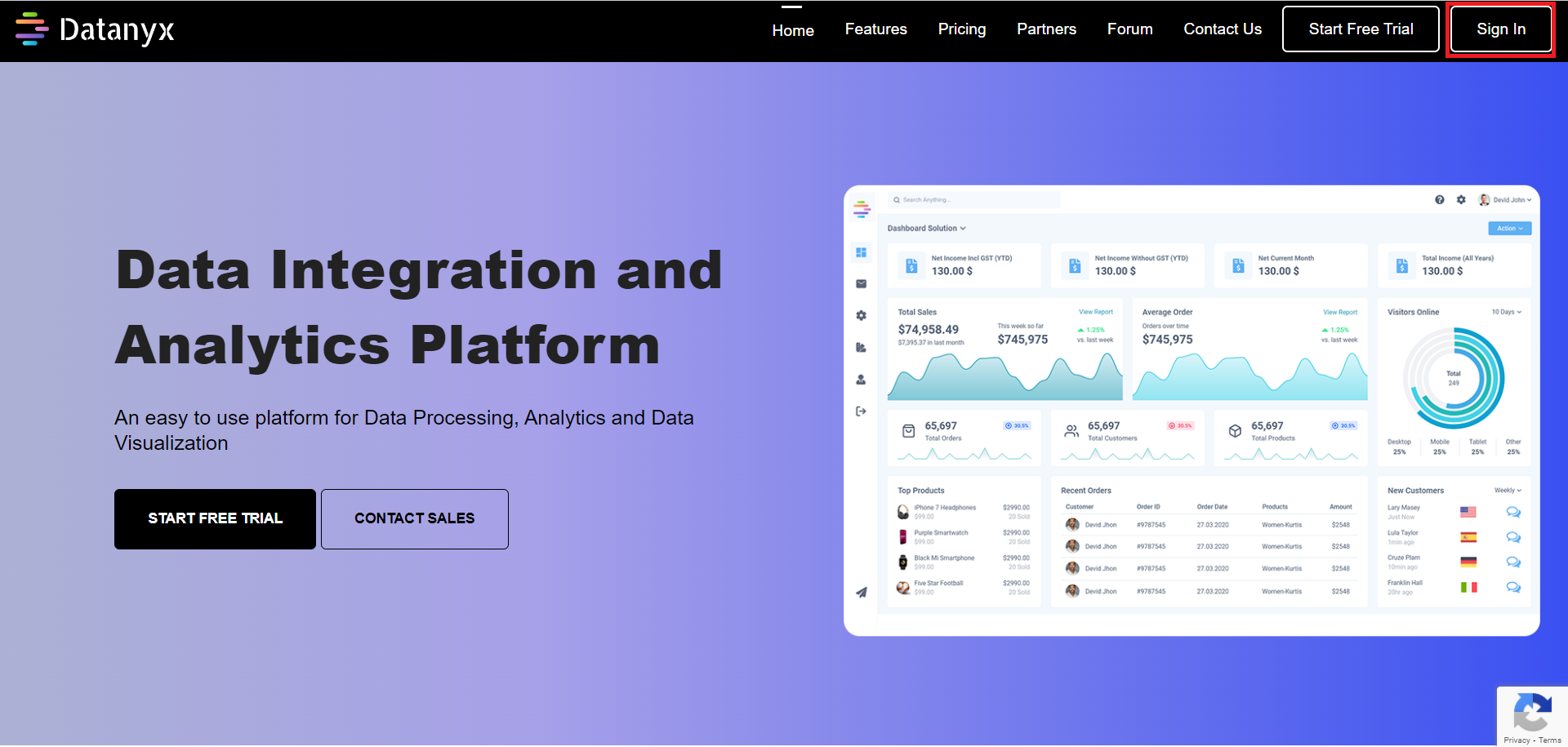
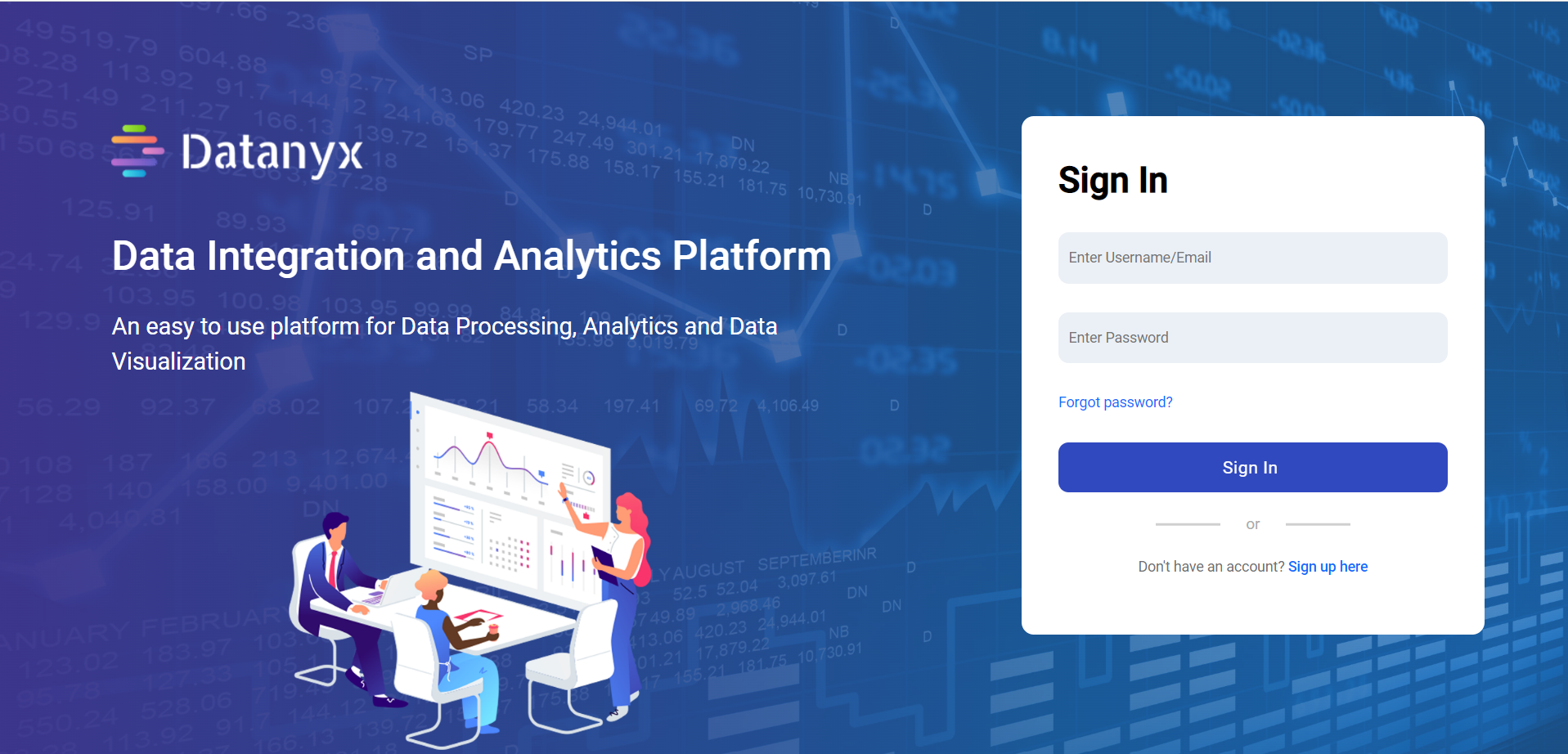
Step 3: You will be re-directed to a sign-in page.
Step 4: Enter Username and Password.
Step 5: Click the Sign in button to login to your account. (Refer to the image below).
Contact Us
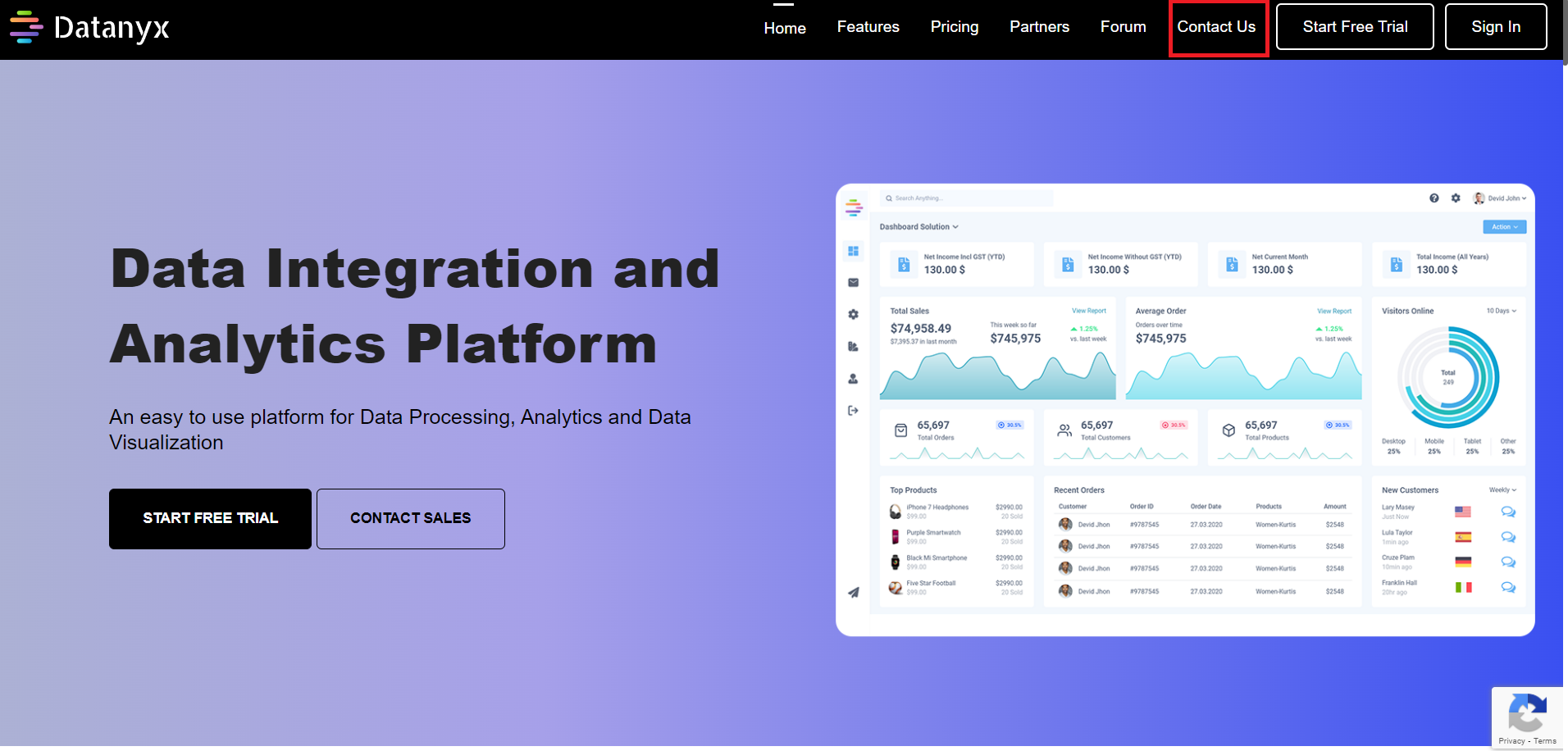
The Web page is the main page of the site. Click on this link https://datanyx.com to connect with the Datanyx team. You will be directed automatically to the Home Page.
Step 1: Click on the Contact Us button available at the top right corner of your screen. (Refer to the image below).
Step 2: Enter the required details:
- Name
- Company Name
- Email Address
- Phone number
- Any message needed to be specified to the team. (Refer to the image below).
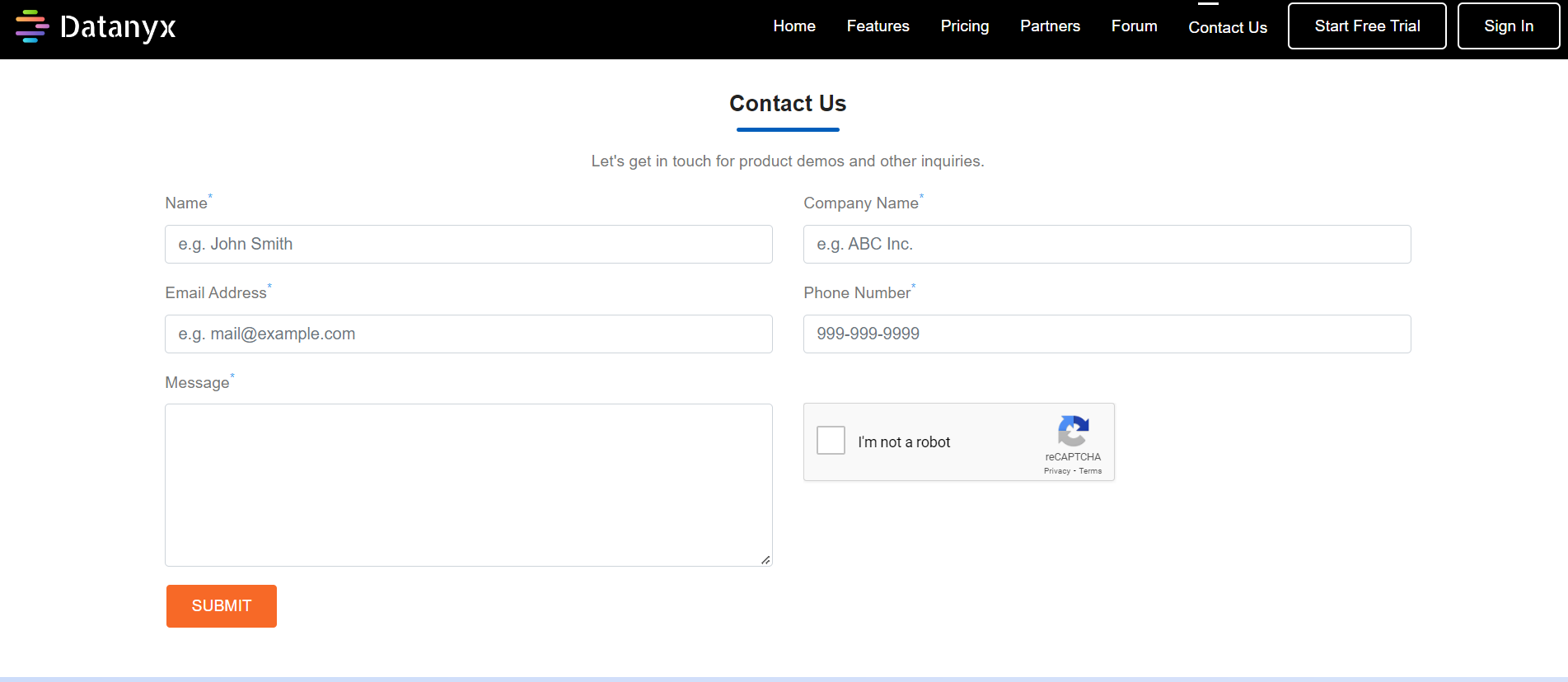
Step 3: Then Click on the SUBMIT button.