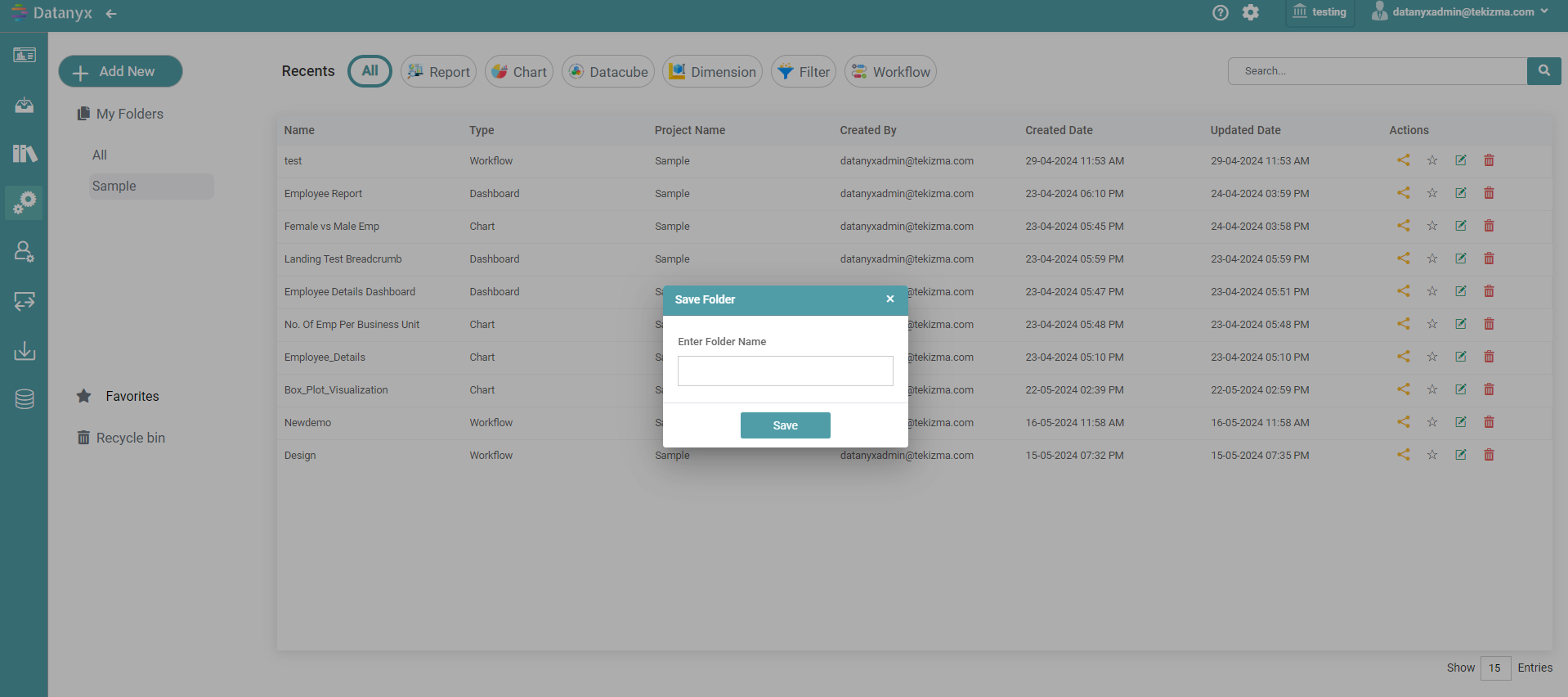
You start by creating a main folder for your new project. This serves as the primary container for all project-related files and components. Within the project folder, you can create different types of charts (e.g., bar charts, line charts, pie charts), Reports, Workflows, Dimensions and Filters.
How to Create a New Folder?
Step 1: Click on the folder icon to create a new project.
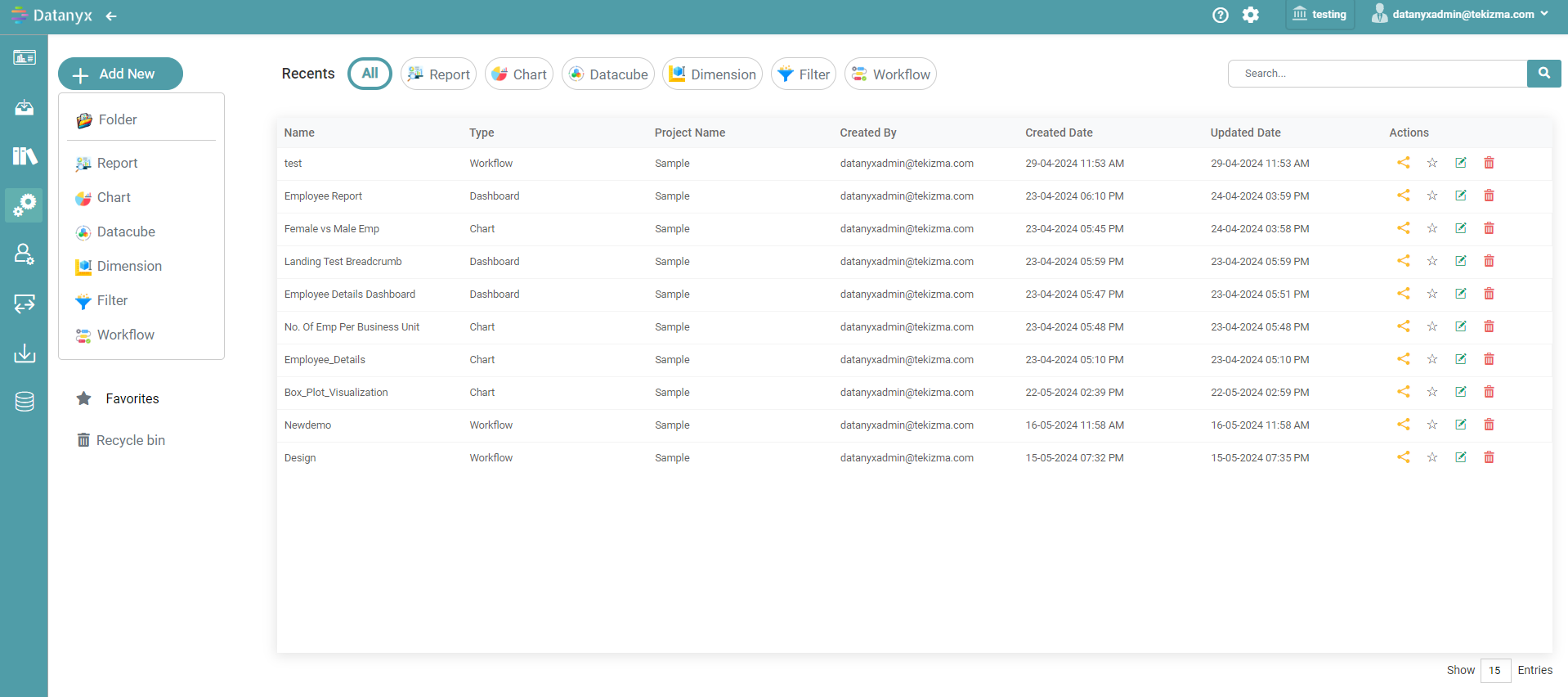
Step 2: All the projects that were created previously are displayed by name as shown in the image.
Step 3: Click the create folder icon to create a new project. (Refer to the image below).


Step 4: Give a preferred title to the folder in the ‘Save Folder’ pop-up. (Refer to the image below).