
Creating a Funnel Chart
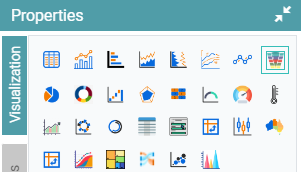
Step 1: On the top right corner of the page, click on visualization under properties. Click on the Funnel Chart icon under properties. (Refer to the image below).
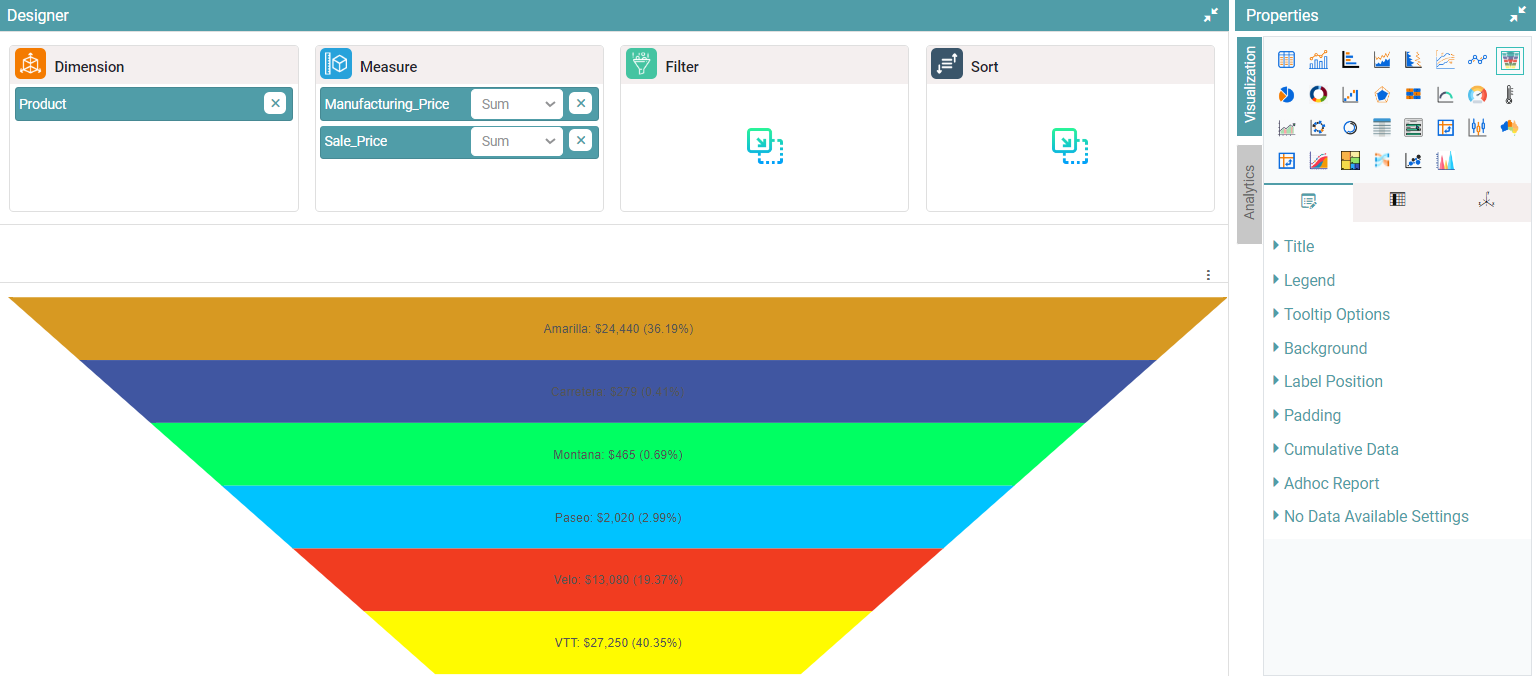
Step 2: Drag and drop the required columns in dimension and measure. The data represented will be in the form of a Funnel Chart. (Refer to the image below).


Properties
Properties are like that of the Bar Chart.
Columns
Properties are like that of the Bar Chart.