Fuzzy Filter – Introduction
Fuzzy Filter node helps you filter the datasets using fuzzy algorithms (filter similar or related records), improves data accuracy and enhances data integration processes.
Step 1: Once data has been imported, click on data preparation.
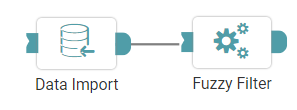
Step 2: Drag and drop the fuzzy filter node onto the main screen. Connect the two nodes. (Refer to the image below).


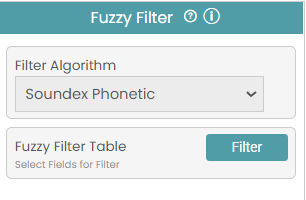
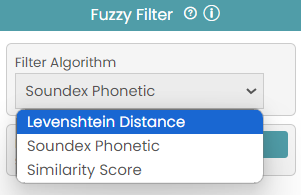
Step 3: Select the Fuzzy Filter Algorithm and the threshold value for that algorithm. Configure the variables for the fuzzy filter. (Refer to the images below).
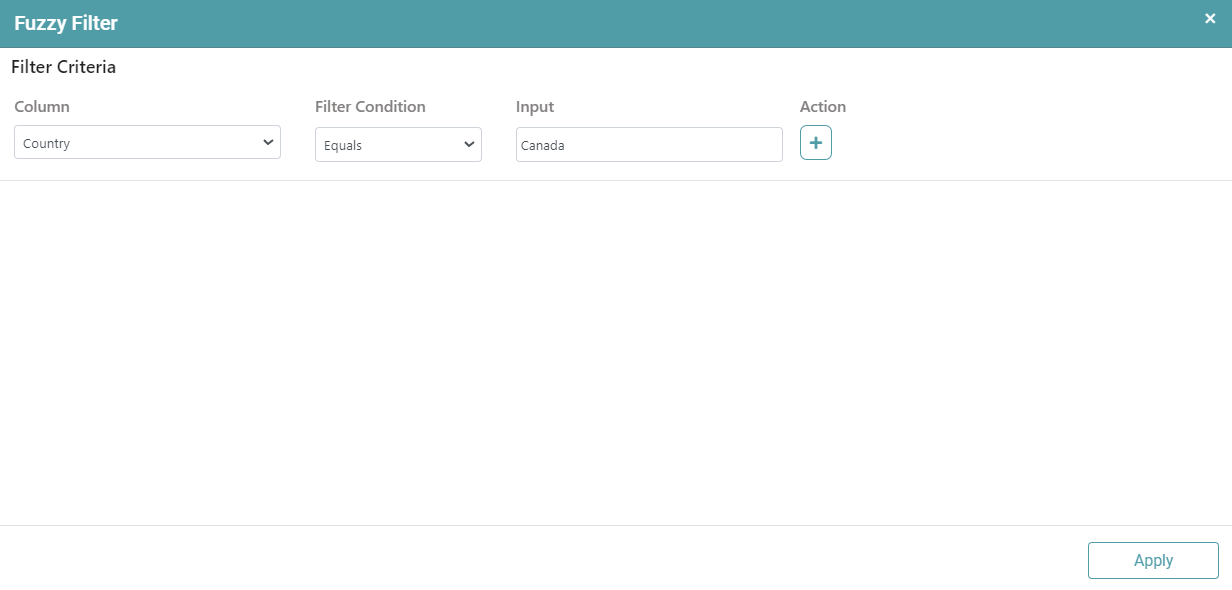
Step 4: Select the columns in the dataset, filter condition and input pattern to perform Fuzzy Filter and then click Apply. (Refer to the image below).
Step 5: Click on the run button to run the workflow and click on the “Show Results” on the bottom line to view the result.
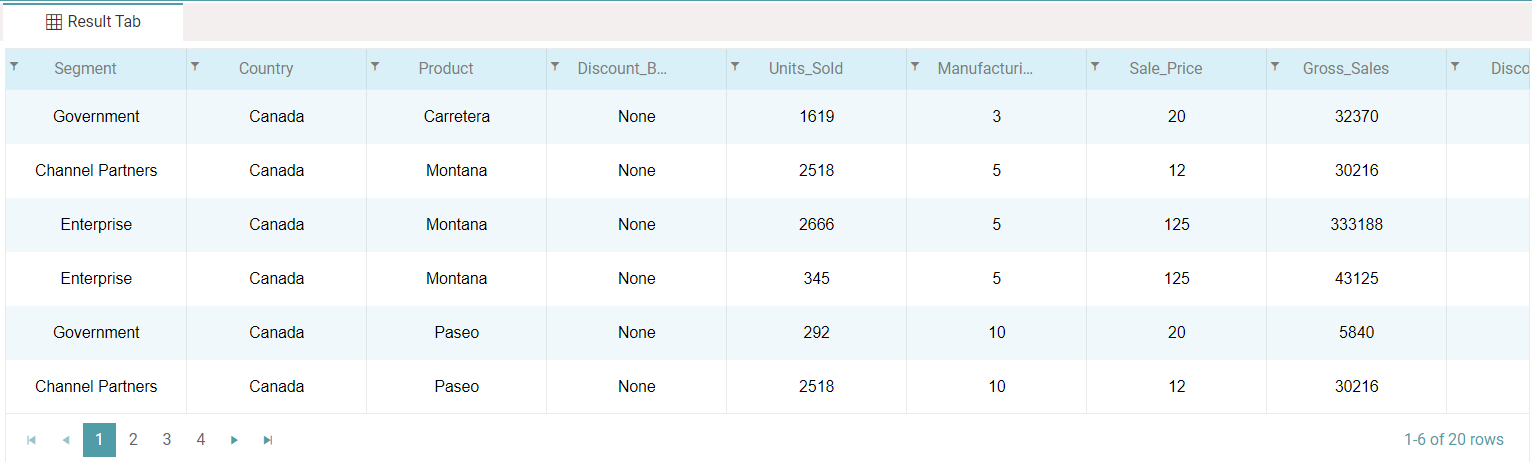
Step 6: The filtered data is reflected in the form of a table. (Refer to the images below).
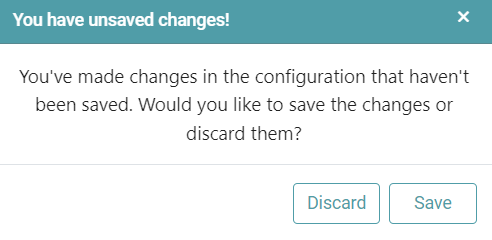
Note: After configuring a node, ensure you click “Save” to retain the changes. If you need to undo the configuration, click “Discard.” Failing to choose either “Save” or “Discard” will trigger a warning pop-up. (Refer to the image below).