Outlier Treatment – Introduction
This node is used for treating the outliers that are present in our data by various means. To use outlier treatment node, data needs to be imported.
Step 1: Once data has been imported, click on data preparation.
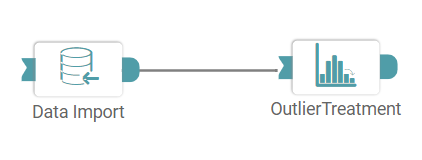
Step 2: Drag and drop the outlier treatment node onto the main screen. Connect the two nodes. (Refer to the image below).


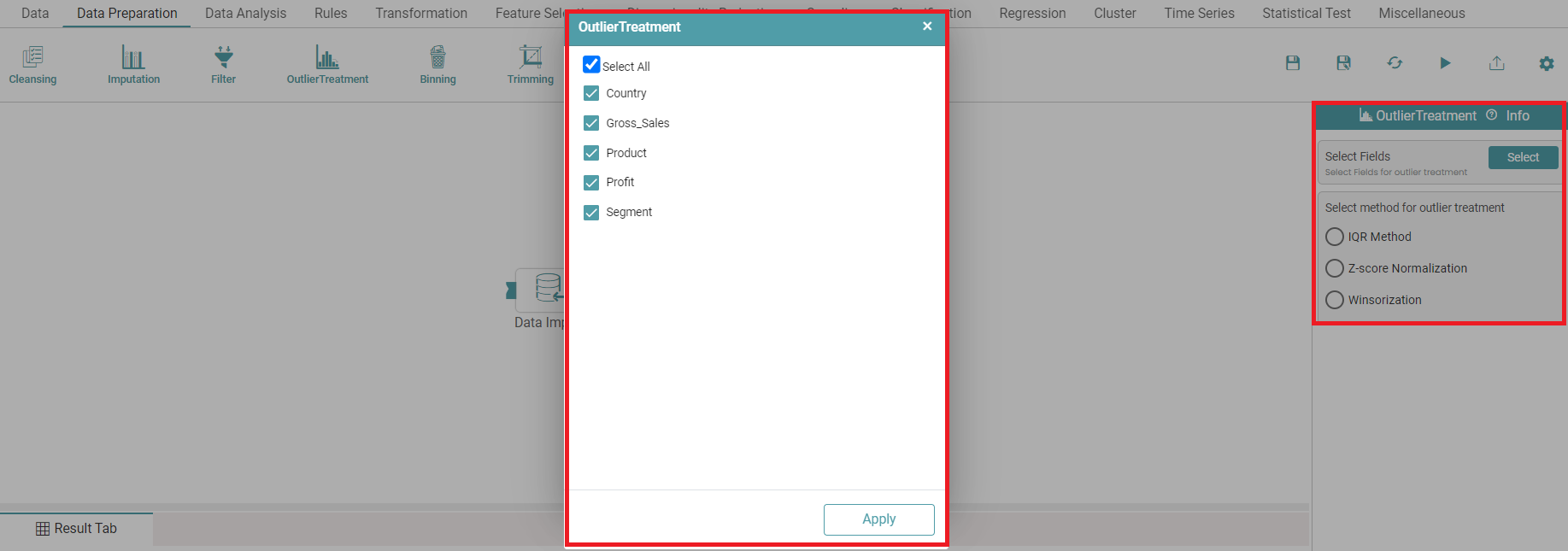
Step 3: Once a successful connection is made between ‘data import and outlier treatment’, click on the select button. An outlier treatment pop-up appears with the columns present in the data. Click on ‘Apply’. (Refer to the image below).
Step 4: Click on IQR (Inter Quartile Range). You need to add range for dropping the rows which lie above or below the given quantiles. (Refer to the image below).
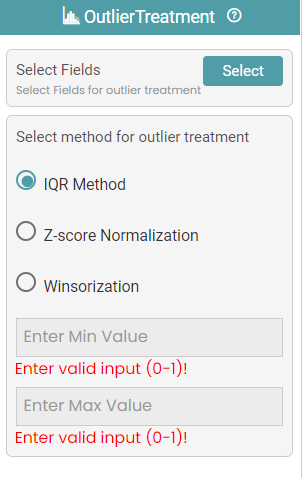
Step 5: Click on ‘Z-score Normalization’ to normalize the numeric data.
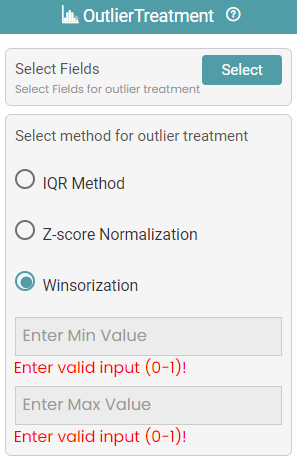
Step 6: Click on ‘Winsorization’ to impute the outlier values by giving the range. (Refer to the image below).
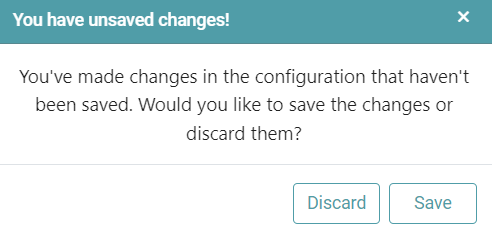
Note: After configuring a node, ensure you click “Save” to retain the changes. If you need to undo the configuration, click “Discard.” Failing to choose either “Save” or “Discard” will trigger a warning pop-up. (Refer to the image below).