Result Node – Introduction
It is used to view the result of the workflow and serves as the final node in the workflow.
Step 1: Create a new workflow.
Step 2: Select the data import node. Drag and drop the node onto the main screen.
Step 3: Select the data source and the data set.
Step 4: Now, drag and drop the result node that is under data onto the main screen.
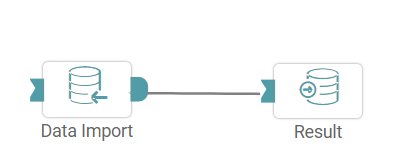
Step 5: Connect the ‘data import and result’ node. (Refer to the image below).


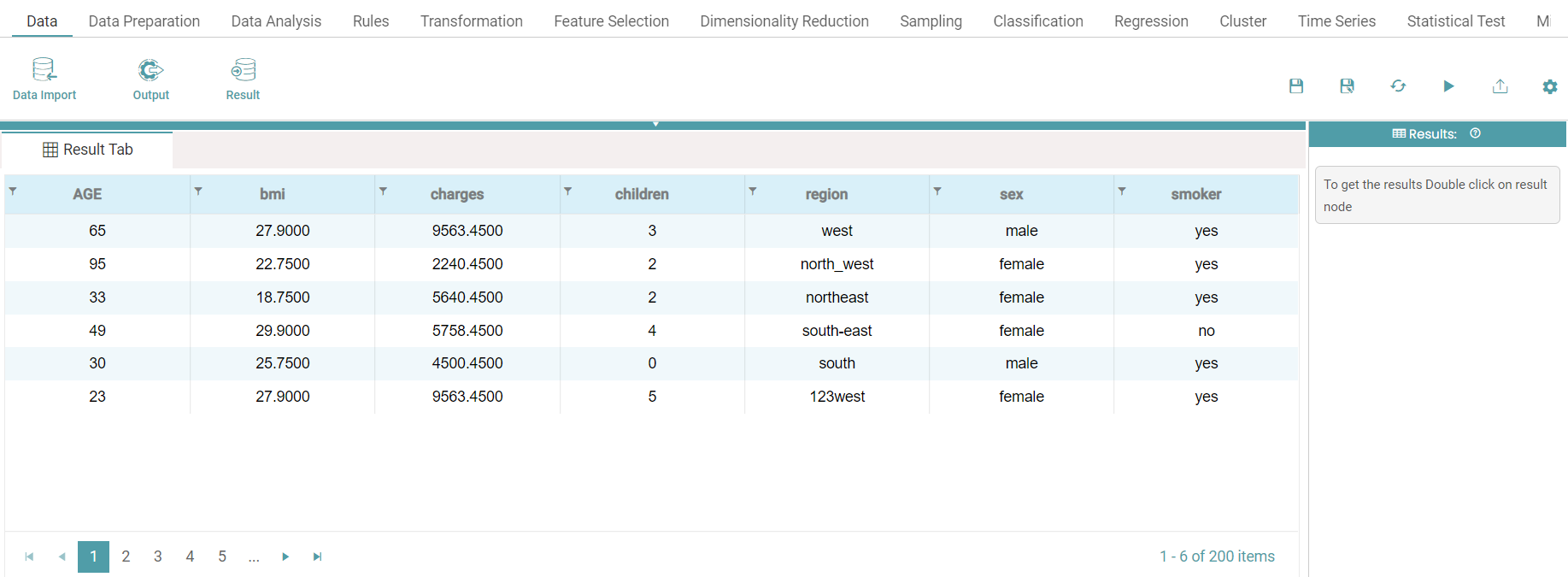
Step 6: Click on the run button to run the workflow. The result or the final output is seen. (Refer to the image below).
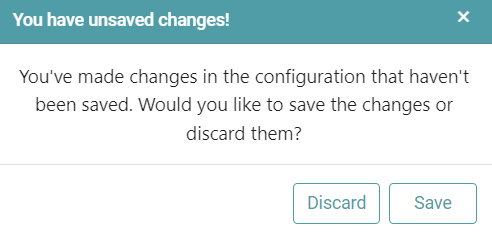
Note: After configuring a node, ensure you click “Save” to retain the changes. If you need to undo the configuration, click “Discard.” Failing to choose either “Save” or “Discard” will trigger a warning pop-up. (Refer to the image below).