
Fuzzy Merge – Introduction
Fuzzy Merge node helps you to combine & match datasets using fuzzy matching algorithms (identify and merge similar or related records), improving data accuracy and enhancing data integration processes.
Step 1: Once data is imported, click on transformation.
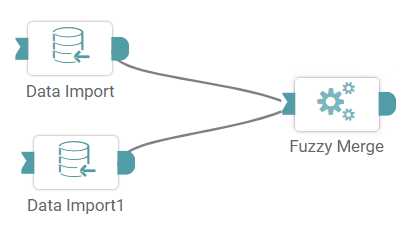
Step 2: Drag and drop the Fuzzy Merge node and connect the nodes (Two Data Import and Fuzzy Merge). (Refer to the image below).
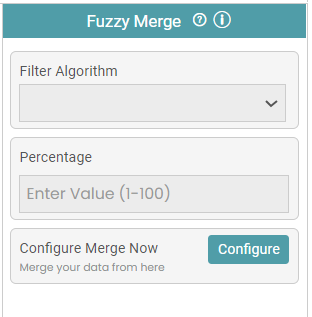
Step 3: Select the Fuzzy Filter Algorithm and the threshold value for that algorithm. Configure the variables for the fuzzy filter. (Refer to the image below).
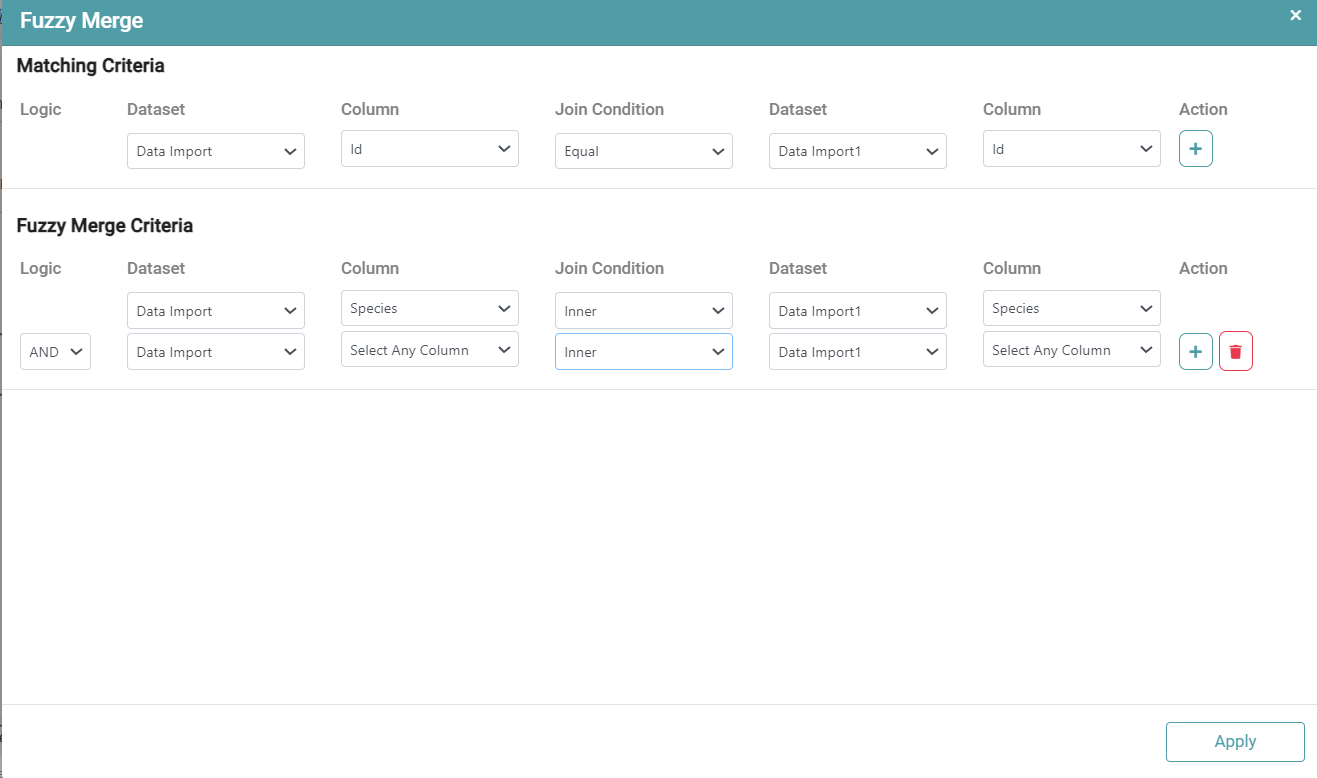
Step 4: Select the Tables and their Primary key to join the table. In Fuzzy Merge criteria, select the columns in the dataset to perform Fuzzy merge and then click on Apply. (Refer to the image below).


Step 5: Once a successful connection is made between the nodes, click on the run button to display the result.
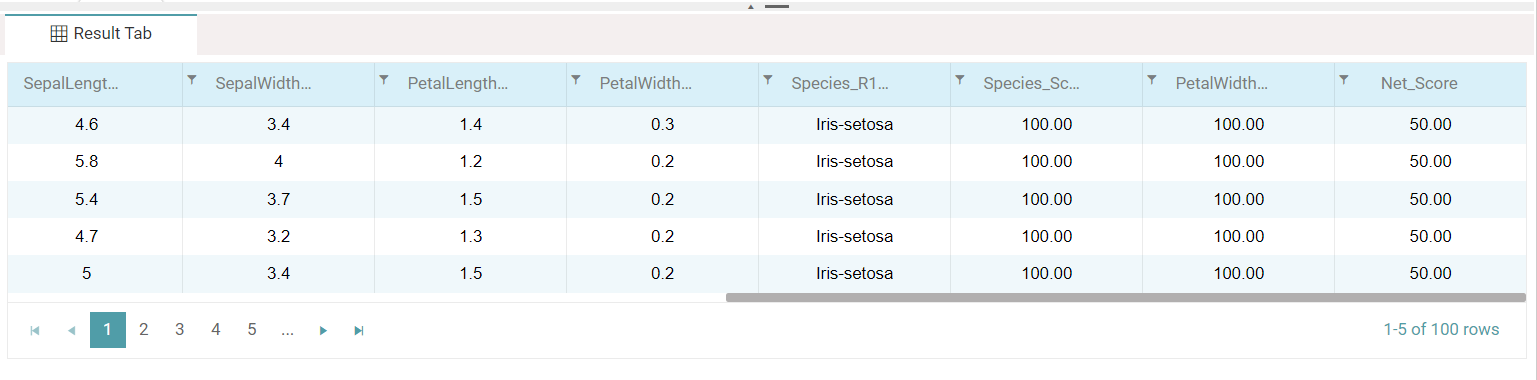
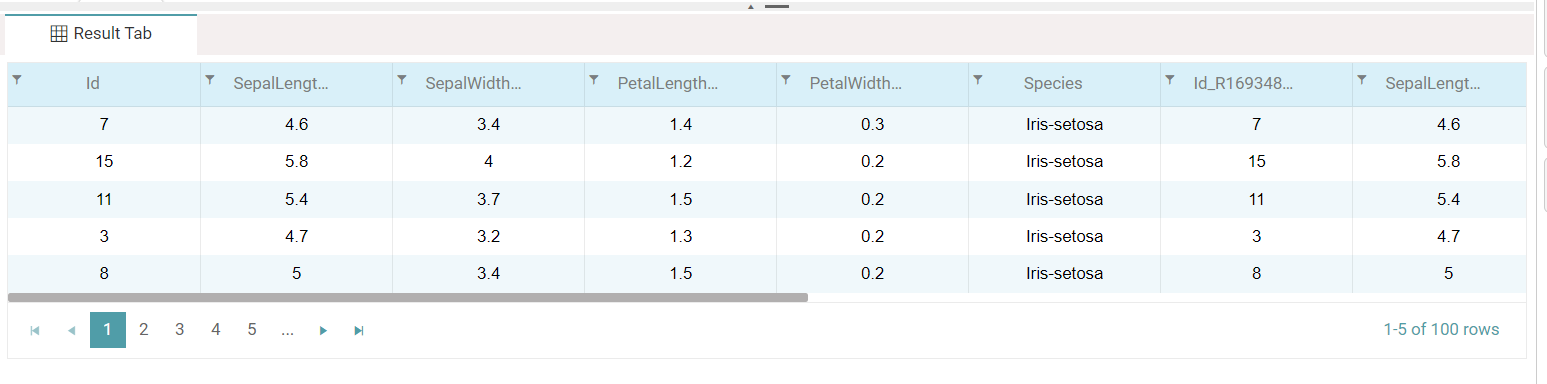
Step 6: Click on the show results button and the data will be displayed in the form of a table (Refer to the images below).
Note: After configuring a node, ensure you click “Save” to retain the changes. If you need to undo the configuration, click “Discard.” Failing to choose either “Save” or “Discard” will trigger a warning pop-up. (Refer to the image below).