
My Template
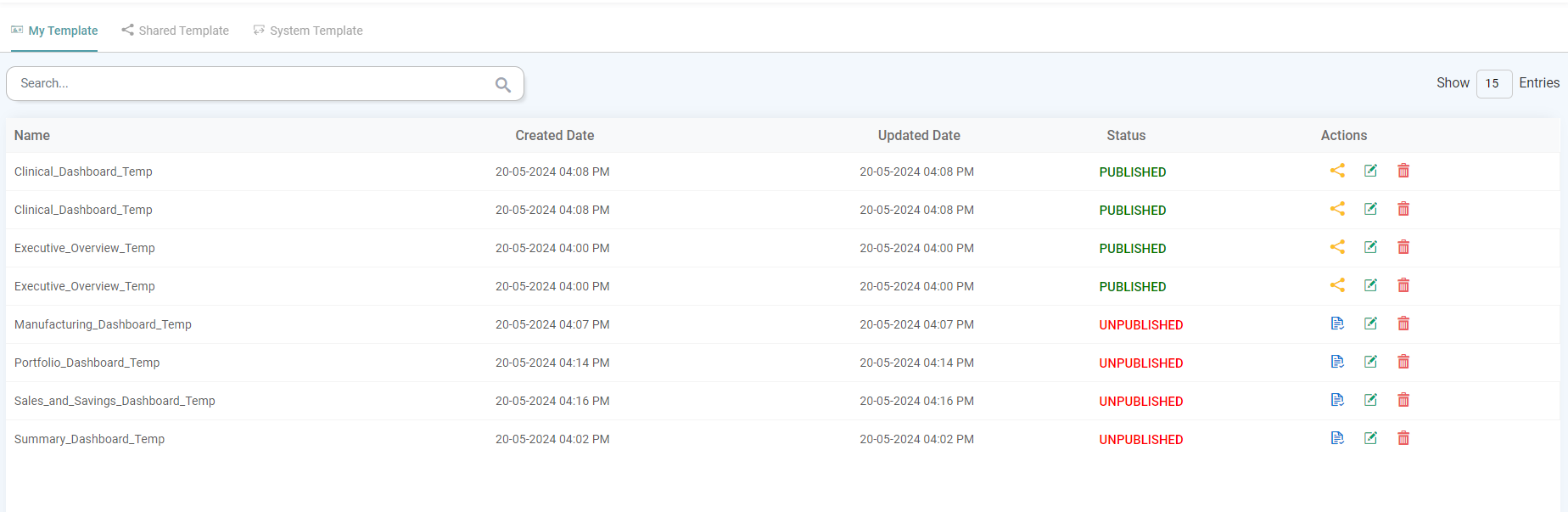
The Various tags included in My Templates section are:
- Name: The name of the created Template is listed here.
- Created Date: The Date & Time on which the Template was created is listed here.
- Updated Date: The Date & Time on which the Template has been updated is listed here
- Status: The status of the template, whether published or unpublished, is displayed here.
- Actions: The Share, Edit and Delete options are listed under this tag.
(Refer to the image below).


Actions
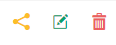
Share
Click the Publish icon to publish the template. Once published, the share button will appear, allowing you to share the template.
The share button helps in sharing the Template to different users based upon the roles. (Refer to the image below).
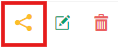
Edit
The edit button allows you to modify the existing template. (Refer to the image below).
Delete
Choose this option to delete the created template. (Refer to the image below).

Shared Template
Within the Shared Templates tab, the users can access the list of all the Templates that have been shared with them.
The Various tags included in Shared Template section are:
- Name: The name of the Template Shared.
- Owner: The Email ID of the user who has shared the said Template with you is listed here.
- Shared Date: The Date & Time on which the Template was shared is listed here.
- Updated Date: The last Updated Date & Time of the Template is listed here.
- Actions: The Edit and Delete options are listed under this tag.
Actions
The actions under Shared Template are similar to those under My Template.
System Template
Within the System Template tab, users can access a list of all system templates.
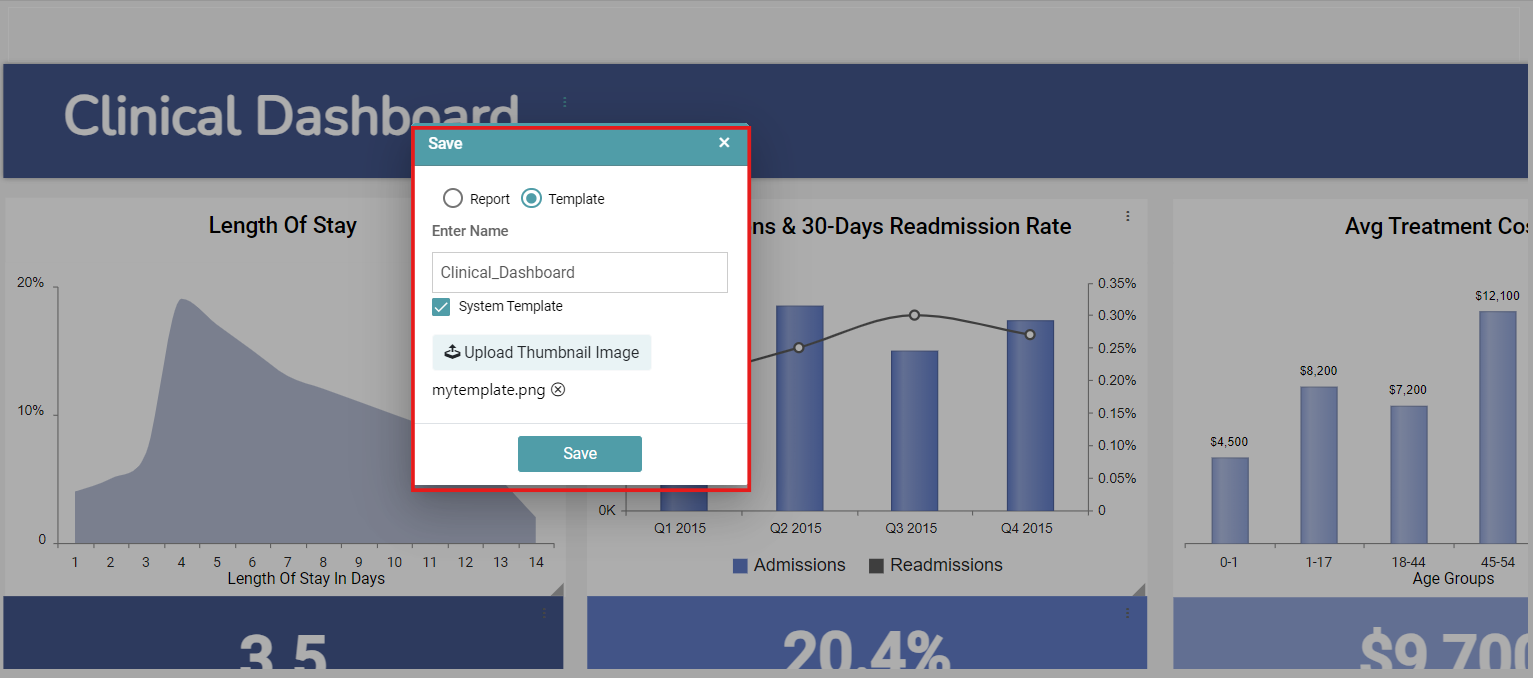
Step 1: To create a system template, first create a dashboard and then click the save button.
Step 2: Select the Template radio button and check the System Template box. Upload an image for the template and click save. (Refer to the image below).
Step 3: The template will then be listed under your system templates. All users within the environment where the system template was created will have access to it under Library -> System Template. (Refer to the image below).
